Authors
The Authors page lets you browse every author in your library, view their portrait and biography sourced from Open Library, and see which books you own by them.
Browsing Authors
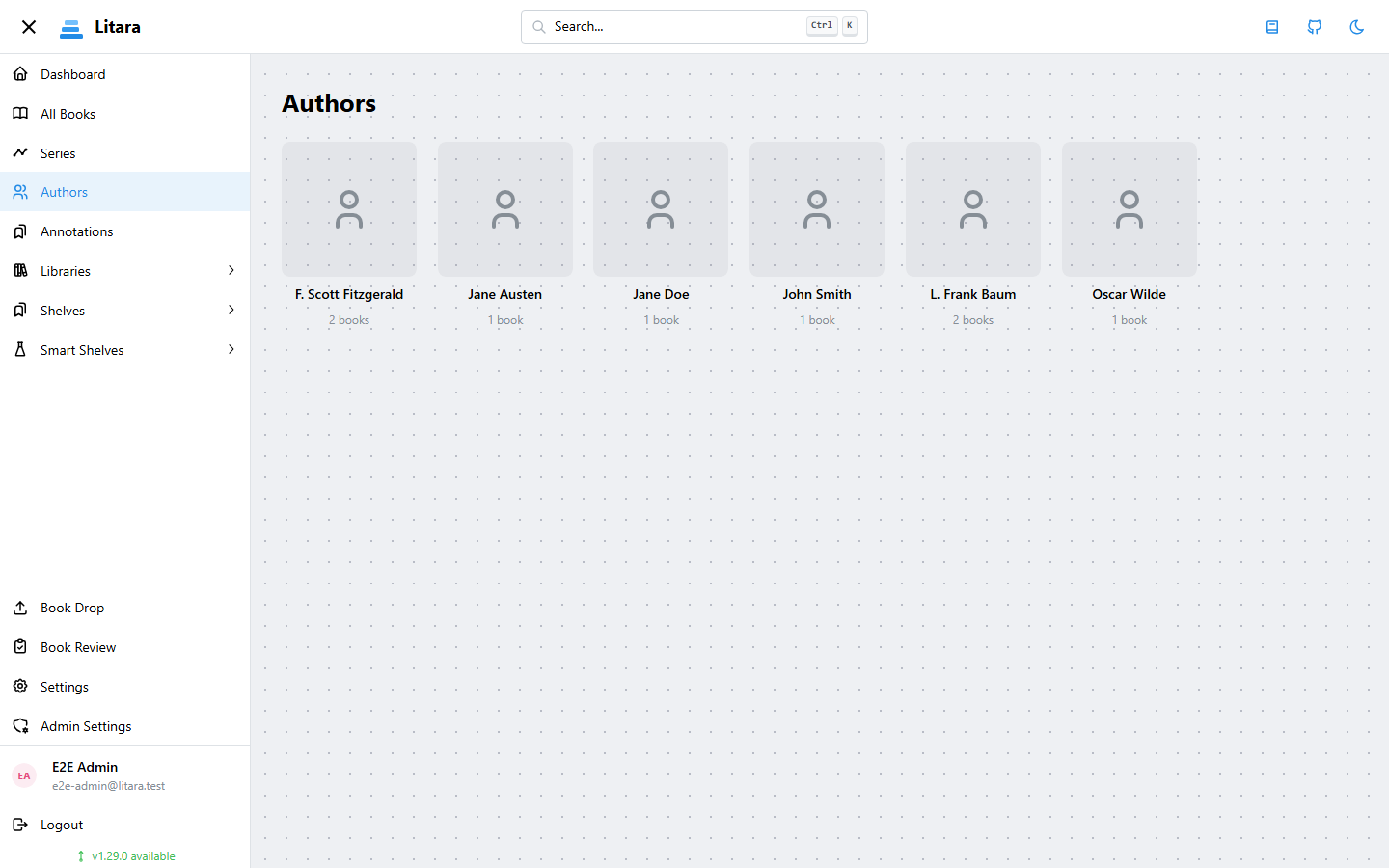
Navigate to Authors in the sidebar to open the author list. Authors are shown alphabetically with a portrait photo (when available) and a book count.
Use the filter field at the top to narrow the list by name — filtering is instant and works case-insensitively.
Clicking an author card opens the Author Detail panel, which shows:
- Portrait photo or a placeholder avatar
- Biography (when available)
- A View on Goodreads link, if a Goodreads ID has been resolved
- All books in your library by that author — click any book to open its detail view
Author Data Enrichment
Litara can automatically fetch author portraits, biographies, and Goodreads IDs from Open Library. Enrichment matches authors by exact name and downloads all available data in one pass.
Enrichment is available to admin users only.
Enriching a single author
- Open the Author Detail panel by clicking the author's card.
- Click Enrich Author Data.
- A toast notification confirms the result — green if a photo was found, yellow if no photo was available (biography and Goodreads ID may still have been updated).
Re-running enrichment always uses force=true, so it overwrites any previously stored data.
Enriching all authors at once
- Go to Admin Settings → Metadata.
- Scroll to the Author Data Enrichment section.
- Click Enrich All Author Data.
This kicks off a background task that works through every author missing a photo, biography, or Goodreads ID. Progress is visible in the Tasks tab. The task applies a 200 ms delay between authors to respect Open Library's rate limits.
To re-enrich authors that already have data, use the per-author button in the Author Detail panel with the force option.
Mobile
The Authors list is also available in the mobile app via the Authors entry in the side drawer. Tap an author to see their books. Portrait photos and biographies are shown when available; there is no enrichment option in the mobile app.