Introduction
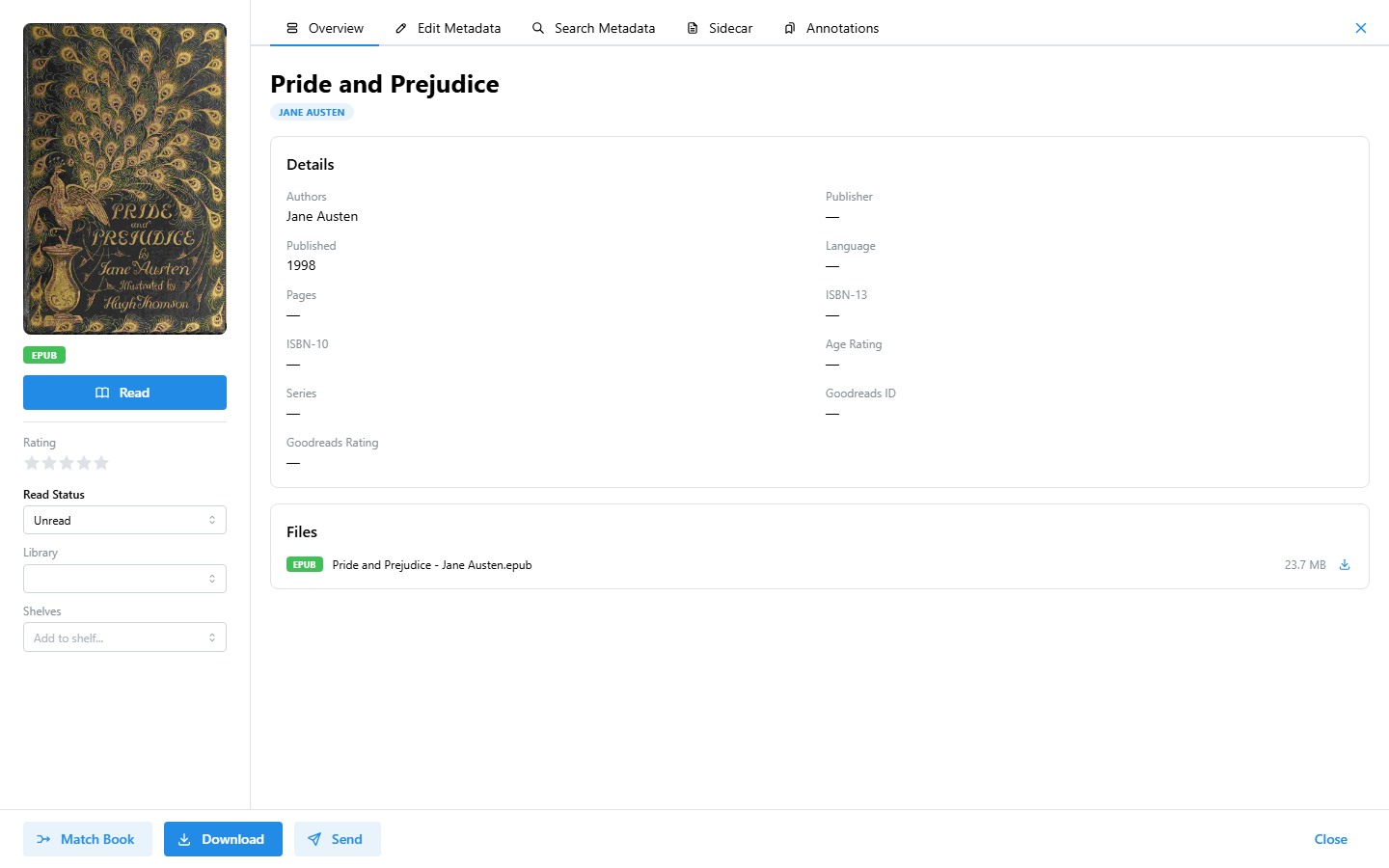
Litara is a self-hosted ebook library manager. It lets you organize, read, and manage your personal ebook collection from a web browser — no cloud subscription required.
Features
- Library scanning — Automatically imports ebooks from a watched folder. Supports
.epub,.mobi,.azw,.azw3, and.pdfformats..cbz(comic book archives) is also supported in beta — metadata is read fromComicInfo.xmlif present. - Metadata extraction — Pulls title, author, cover art, and other metadata directly from ebook files.
- Metadata enrichment — Manually fetch extended metadata (description, genres, ratings) from Google Books for any book.
- Email delivery — Send books directly to an e-reader via SMTP (e.g. Kindle email).
- OPDS support — Exposes your library via OPDS v1 and v2 catalogs for compatible reading apps.
- Reading progress — Tracks your reading progress and annotations per book.
- Shelves — Organize books into custom shelves and smart shelves with auto-matching rules.
- Multi-user — JWT-based authentication supports multiple independent user accounts.
Architecture
Litara is composed of two apps and one package:
| Component | Description |
|---|---|
apps/api | NestJS REST API and library scanner |
apps/web | React + Vite web frontend |
packages/mobi-parser | Metadata extractor for .mobi / .azw files |
packages/cbz-parser | Metadata and cover extractor for .cbz files (beta) |
The API stores all data in PostgreSQL and exposes a Swagger UI at /docs when running.
Next Steps
- Installation — Get Litara running with Docker Compose
- Configuration — Environment variables and settings reference
- Email Delivery — Send books to your e-reader via SMTP